Product updates
A transparent record of new features, improvements, and fixes.
Event dates on galleries
You can now add an event date to each gallery, and it shows up in both the editor and the public gallery view. This makes it easier to organize shoots and helps clients quickly confirm they are in the right gallery.
A more useful dashboard
The dashboard now highlights recent galleries, gives you a clearer breakdown of your library, and adds faster links to your portfolio and settings. It is easier to jump back into your latest work without hunting through the app.
Portfolio page
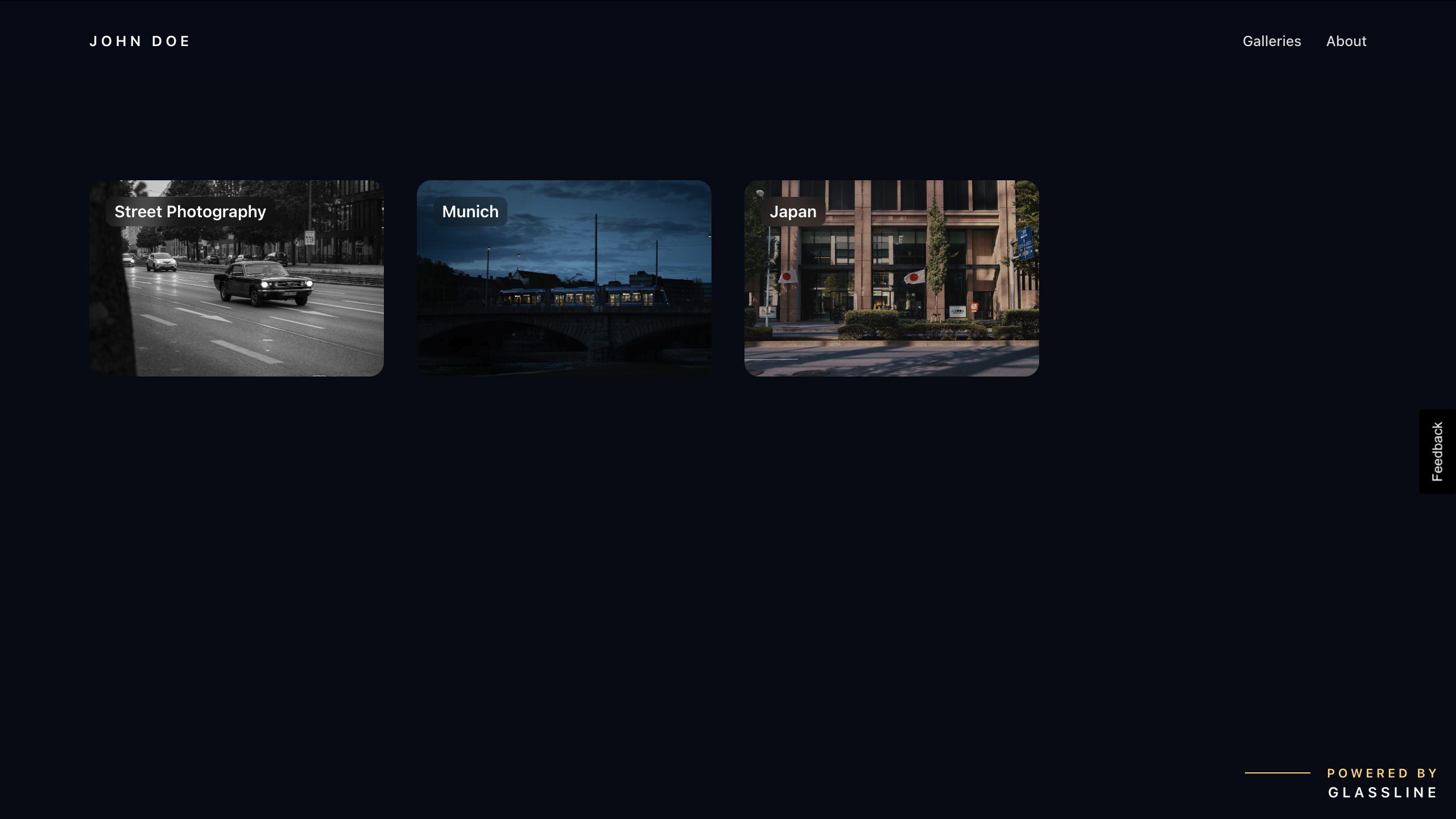
Your portfolio now has a dedicated public page showcasing your galleries.
Download entire galleries as a zip
Clients and visitors can now download all images from a gallery in a single zip file — no more saving photos one by one.
Right-click actions on gallery images
Right-clicking on a gallery image now opens a context menu with quick actions, giving you faster access to common operations without leaving the gallery view.
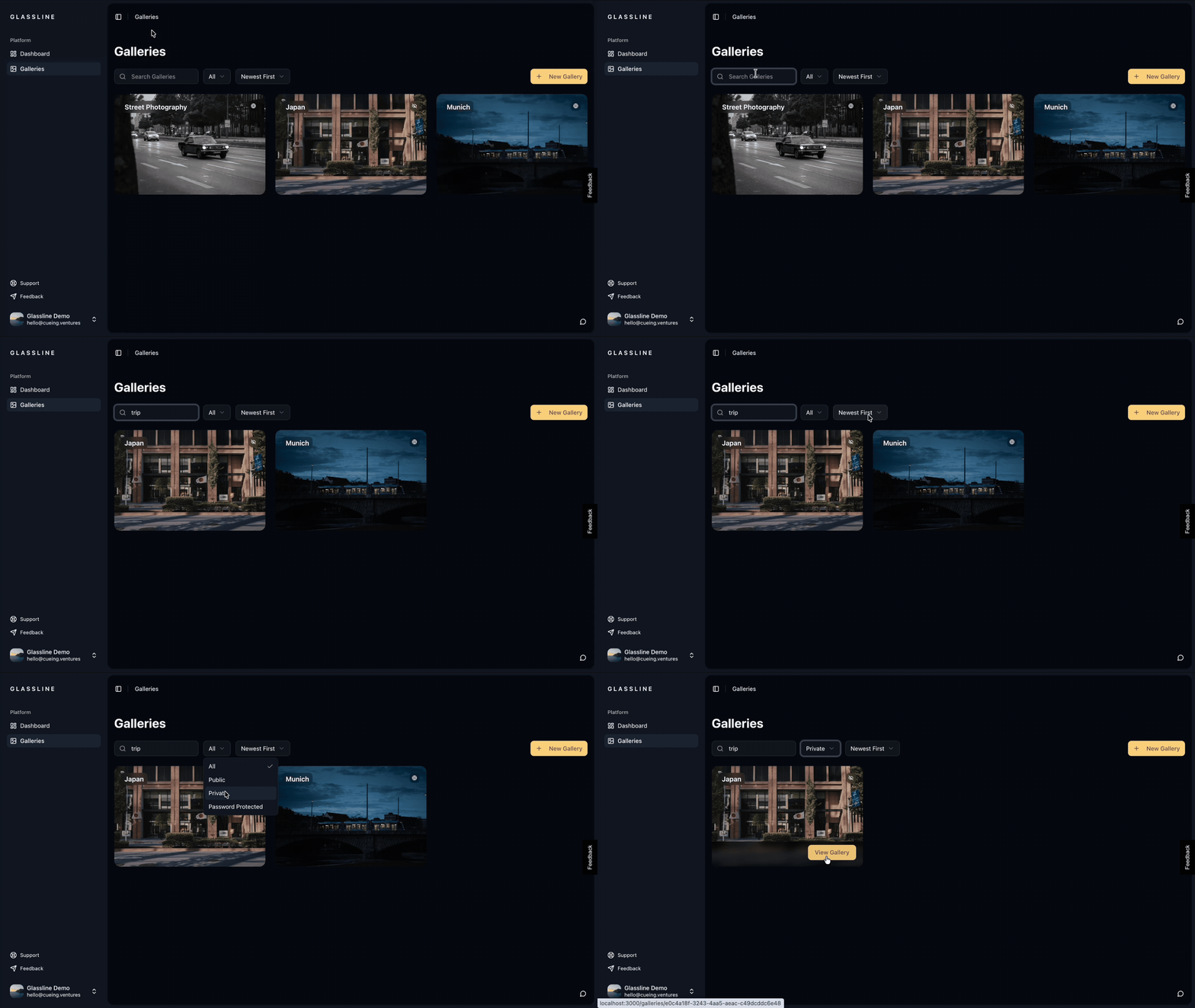
Filter galleries by visibility
A new dropdown in your sidebar lets you quickly filter galleries by Public, Private, or Password Protected — so you can find what you're looking for without scrolling through everything.
More storage on the free plan
The free plan now includes 200 MB of storage, giving you more room to upload and share your work before needing to upgrade.
Password-protected gallery previews
When you share a link to a password-protected gallery on social media, it now shows a beautifully blurred preview image along with the gallery name — so recipients know what to expect before entering the password.
Select all photos at once
You can now select all images in a gallery with a single action, making bulk operations like deletion much faster.
Better mobile experience
Gallery grids now display in two columns on mobile for a more comfortable browsing experience, and iOS users will no longer accidentally trigger the system long-press menu when interacting with photos.
Free plan
You can now use Glassline with a free tier. Upload photos, create galleries, and share your work — upgrade when you need more storage or features.
New onboarding experience
We've completely redesigned the onboarding flow. A new welcome screen, smooth step-by-step animations, and a streamlined username-claiming process get you set up faster and with less friction.
Sort your gallery images
A new sort mode lets you quickly organize images within a gallery by different criteria, so you spend less time arranging and more time sharing.
Improved gallery editing
Drag-and-drop reordering now supports multi-select with clearer visual feedback, and you can now delete multiple images at once. If you try to leave with unsaved changes, Glassline will warn you first.
Better social sharing for galleries
When you share a public gallery link on social media, it now shows your gallery's cover image as a rich preview, making your shares more visually appealing.
Improved search engine visibility
Your public galleries and profile are now easier to discover through search engines, with improved metadata and indexing.
More reliable image loading
Images now load more consistently, with automatic recovery when URLs expire.
Download gallery images directly from the gallery page
You can now download your gallery images directly from the gallery page with improved reliability and error handling.
Search, filter, and organize your galleries
We've added a new search bar that lets you quickly find and filter your galleries, making it easier to manage large collections. Improved gallery visibility controls give you better privacy management, and new sorting options help you organize your galleries more effectively.
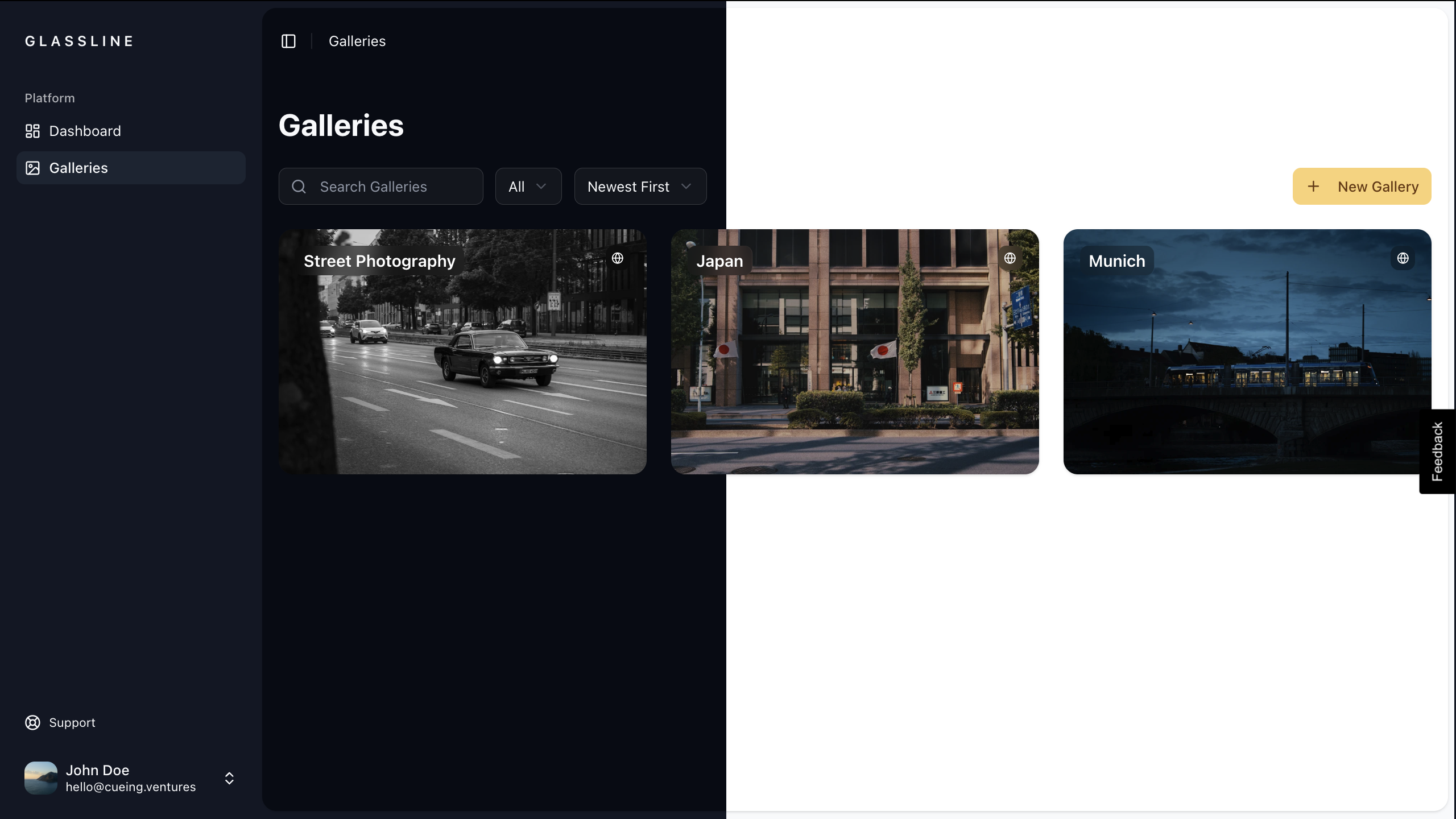
Light and dark theme toggle
Choose between light and dark themes for a personalized viewing experience that matches your preference.
Redesigned navigation with modern sidebar
We've completely redesigned the navigation with a modern sidebar that provides easier access to all features and a more intuitive layout.
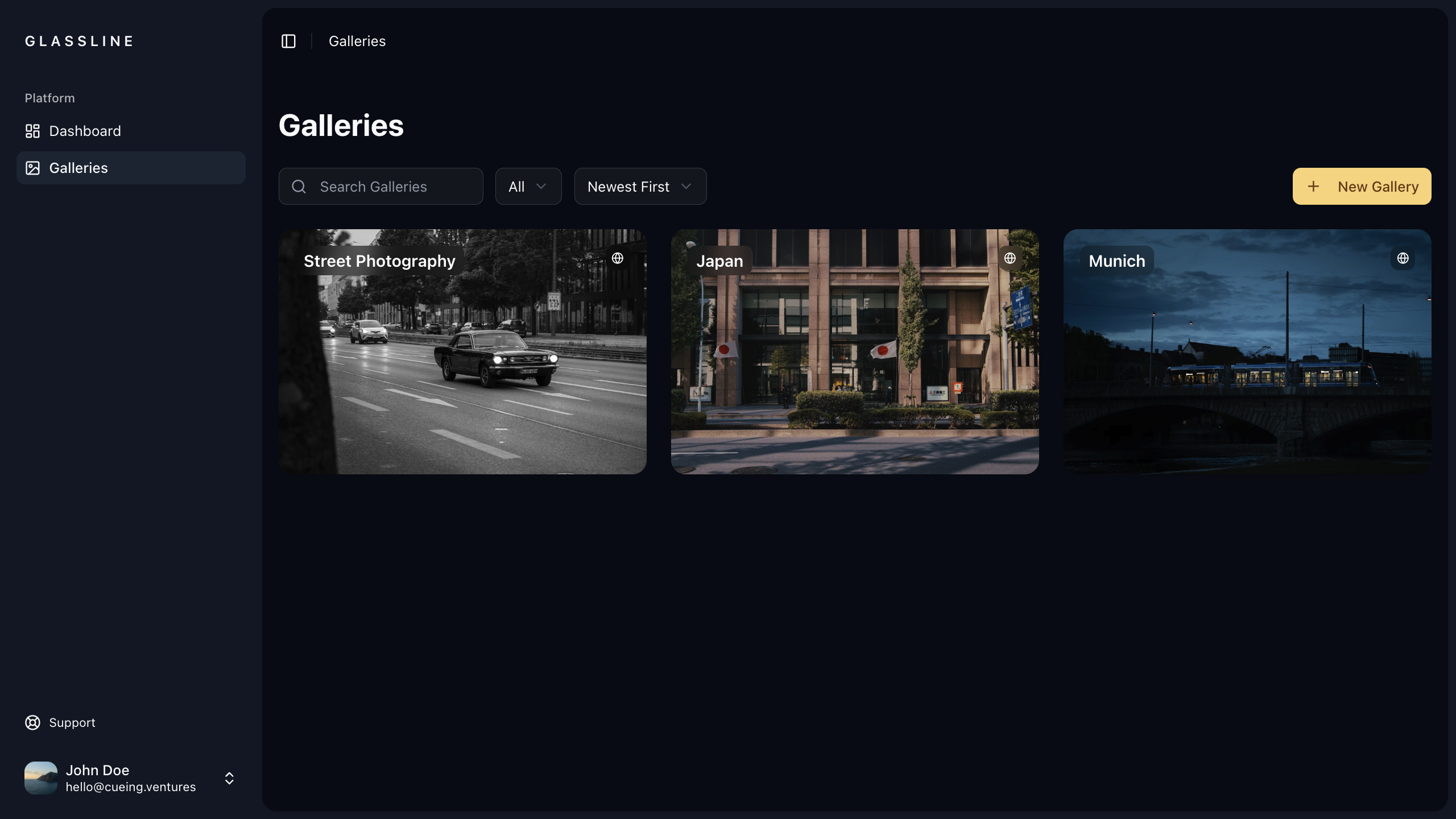
Image carousel in gallery viewer
Browse through gallery images more smoothly with the new carousel feature in the gallery viewer, making it easier to navigate between photos.
Streamlined gallery creation and editing
Create and edit galleries in one unified flow. The separate gallery creation page has been removed and integrated into the main gallery management experience for a smoother workflow.
Faster loading times for public galleries
Public gallery pages and images now load significantly faster, providing a better experience for both gallery owners and viewers.
Redesigned public profiles
Public profiles have been redesigned with an improved layout and faster loading times, making them more visually appealing and performant.